Hedgehog Evolve Controls and UI Guide
Move cleanly, open Shop fast, and stop fighting the camera while you farm.
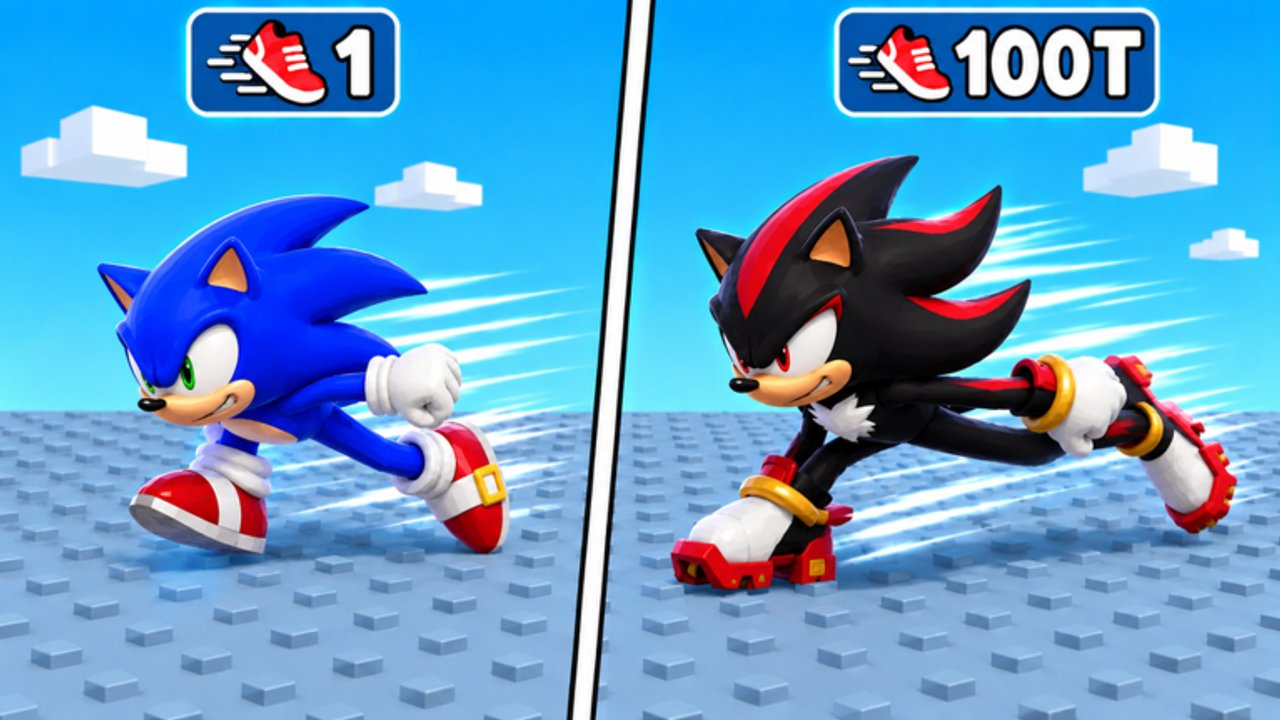
Hedgehog Evolve is simple to touch and easy to play badly. The +1-per-step loop rewards constant clean movement, while the left-side UI—especially Shop—holds codes, purchases, and account progression tools. This page documents movement basics, important buttons, and mobile versus PC habits so you stop crashing your best ring routes.
Pair this with Getting Started on day one, then return here whenever a speed spike or World 2 layout makes inputs feel sloppy.
Movement basics
PC
- W A S D (or arrow keys, depending on your Roblox settings) move your hedgehog.
- Mouse aims the camera; small adjustments matter more as speed rises.
- Space jumps when a ledge or prop demands it—most ring circuits prefer grounded racing lines.
- Shift sprint behavior follows your Roblox / experience settings; in practice you already accelerate through the +1 step system, so focus on steering more than button mashing.
Mobile / tablet
- Left thumbstick moves; keep strokes short and centered so high speed does not oversteer.
- Camera drag on the right half of the screen; avoid huge flicks mid-pickup.
- Jump button only when needed—accidental jumps throw off ring timing.
Regardless of platform, the golden rule is never stop moving unless you are claiming a reward or reading a rebirth prompt. Standing still earns nothing in a +1 speed simulator.
HUD landmarks you should memorize
Exact icon art can change with patches, but the functional layout stays stable enough to learn:
- Shop (left side) — primary menu for offers and the code box.
- Speed / progress readouts — confirm that steps are actually counting.
- Rings and Wins — your farming and evolve currency at a glance.
- Playtime / daily widgets — claim targets; do not ignore them for an entire session.
- Area / stage selectors — how you migrate farms as you unlock content.
- Rebirth entry — open only when you intend to reset; see How to Rebirth.
If a button ever overlaps your stick zone on mobile, rotate camera or briefly change posture so UI taps do not steal movement inputs.
Shop and Enter code (critical path)
Codes are redeemed inside Shop, not a hidden Discord-only menu:
- Click / tap Shop on the left side of the screen.
- Scroll to the bottom of the Shop panel.
- Find the Enter code field.
- Type the code exactly (example:
RELEASEfor 25 Wins). - Confirm / redeem, then close Shop and resume running.
Full lists live on Codes. Habit tip: open Shop at session start, redeem, close—do not leave the panel open while trying to steer at high speed.
PC-specific tips
- Raise camera sensitivity until tiny mouse moves correct your line without whipping 180°.
- Use a stable FPS; frame hitches turn ring circuits into walls.
- Keep fingers ready to reopen Shop for surprise codes during update nights.
- Fullscreen helps depth perception on wide World 2 routes—see World 2.
- Bind Roblox screenshot or push-to-talk away from movement keys so you do not soft-stop mid-lap.
PC players usually clear dense ring routes faster once camera discipline clicks. If you still under-farm, the issue is probably area choice, not keybinds—fix with How to Farm Rings.
Mobile-specific tips
- Play in landscape with a grip that keeps the Shop button reachable without dropping the stick.
- Lower camera sensitivity if you oversteer past every ring cluster.
- Prefer wider circuits over needle-thin corridors until your evolve/rebirth multipliers stabilize.
- When claiming dailies, pause in a safe open spot—not on a cliff edge at max speed.
- If thumbs cramp, shorten sessions but keep the daily streak alive; streaks are free progress.
Mobile clears are absolutely viable. Many concurrent spikes after the World 2 launch included phone players—the limit is route choice and evolve timing, not the device.
High-speed control habits
As +1 stacks climb, your old steering becomes “wrong” in a good way:
- Look farther ahead; react earlier.
- Cut fewer sharp corners; arc through ring lines.
- Bail out of a bad angle early instead of scraping walls for three seconds.
- After rebirths, expect a brief readjustment even if multipliers make numbers climb fast.
World 2’s newer geometry is where bad cameras get exposed. Practice one clean lap before you AFK-brain the route.
UI hygiene during competitive sessions
If you are chasing boards, menus are the enemy. Competitive habits:
- Claim playtime rewards in batches between timed segments.
- Never rebirth mid-timer without a plan—checklist first.
- Glance at leaderboards between laps, not while threading rings.
- Read Leaderboard Tips and the Players Hub for rivalry pacing.
Accessibility and comfort
- Take stretch breaks; long +1 sessions punish wrists and thumbs.
- Increase UI scale in Roblox settings if Shop text is hard to hit.
- Colorblind or high-contrast OS options can make ring sparkles easier to track—use whatever helps you keep moving.
- Recheck controls after major patches listed on Updates; hotfixes sometimes shuffle HUD anchors.
Quick reference checklist
- Move constantly; +1 only happens while you step.
- Shop left → scroll → Enter code for promotions like
RELEASE. - Close menus before high-speed farming.
- PC: fine camera, stable FPS. Mobile: wider routes, gentler stick.
- Relearn steering after big evolves, rebirths, or World 2 entry.
- When stuck, fix route/area before blaming the control scheme.
Where controls fit in your progression
Controls skill multiplies every other guide on the wiki. Clean inputs make ring farming denser, make rebirth rebuilds safer, and make World 2 migration less chaotic. If you only change one habit after reading this page, make it this: redeem codes with Shop closed afterward, then run a wide circuit without fighting the camera. Everything else in Hedgehog Evolve gets easier from there.
Frequently Asked Questions
Quick answers for Hedgehog Evolve players.
Where is the code box in Hedgehog Evolve?
Open Shop on the left side of the screen, scroll to the bottom, and use the Enter code field. Redeem codes like RELEASE there for Wins.
What are the basic movement controls?
PC uses WASD plus mouse camera. Mobile uses the left thumbstick and right-side camera drag. Keep moving to stack +1 speed.
Any tips for mobile players at high speed?
Lower camera sensitivity, choose wider ring routes, and avoid menu taps while sprinting. Claim rewards from safe open ground.
Why do I keep hitting walls after evolving or rebirthing?
Your speed outgrew your old steering. Look farther ahead, arc corners, and rebuild muscle memory on a simple circuit before tight maps.
Should I leave Shop open while farming?
No. Redeem codes or buy what you need, close the panel, then farm. Open menus steal focus and can eat movement inputs on mobile.